Comparison · Web apps
Web app or native app? When each one makes sense.
The question I hear most before a project starts: "should we make it an app?" Here's an honest comparison of a web app, a PWA and a native App Store / Google Play app — what each costs, what the stores take, and when going native is actually worth it.
What's the difference between a web app and a native app?
A web app runs in the browser, on desktop or mobile, with nothing to install. It has user accounts, roles, payments and dashboards — it's full software that lives at a web address. A native app is downloaded from the App Store (iPhone) or Google Play (Android) and built for each operating system.
In between sits the PWA (progressive web app): a web app people can "install" on their home screen, which opens full-screen like an app and can keep working on a weak connection. According to Mozilla's documentation, to be installable it needs a manifest file (name, 192 px and 512 px icons, start URL and display mode) and must be served over https.
Every platform I have live today is a web app — for example Instituto Bíblico del Sur, where students apply, pay and study from their phones, and Habit Scaling, my own subscription app. None of them went through an app store.
Quick comparison: web, PWA and native
| Web app | PWA | Native app | |
|---|---|---|---|
| How users find it | Links, Google, email, social | Same as the web, plus install to home screen | Search and download in the App Store or Google Play |
| Platforms | One version for everyone | One version for everyone | iOS and Android (two apps or a cross-platform framework) |
| Shipping updates | Instant | Instant | Goes through each store's review |
| Shows up on Google | Yes, every page can rank | Yes | No — content lives inside the app |
| Store fees | None | None | Apple: $99/year · Google Play: $25 one-time |
| Cut of digital sales | Only your payment processor's fee | Only your payment processor's fee | Store commission on subscriptions and in-app purchases |
| Hardware access | Camera, location, notifications (with limits) | More: install, offline use, push notifications | Full: sensors, Bluetooth, background tasks, widgets |
How much do the App Store and Google Play take?
This is what changes the math most, and it rarely comes up in a quote. As of October 2026:
- Apple charges $99 per membership year for its Developer Program. On paid apps and in-app purchases the standard commission is 30%; for subscriptions it drops to 15% after a subscriber's first year, and the App Store Small Business Program sets it at 15% for developers earning up to $1 million a year.
- Google Play charges a one-time $25 registration fee. Its service fee in most markets is 15% on the first $1 million of yearly earnings and 30% above that; in the US, UK and some other markets Google is rolling out a new structure that combines a service fee with a separate billing fee. Check the current table before you project margins.
One important nuance: Apple's guideline 3.1.3(e) says that if your app sells physical goods or services consumed outside the app — a property tour, a dental appointment, an in-person event — you must take payment by other means such as Apple Pay or card entry, not in-app purchase. The store commission doesn't apply there.
How much does each option cost to build?
A web app or PWA is built once and works on every device. A native app needs two versions (or a cross-platform framework that still needs per-platform work), publishing and upkeep in two stores, and a review every time you ship a change. Apple's guideline 4.2 also asks that apps include features and content that elevate them "beyond a repackaged website" — wrapping your site in an app shell isn't enough.
For reference, a custom web platform at Sistema 24 typically runs $8,000 – $25,000, depending on modules and integrations. An equivalent native app usually costs considerably more once you add the second platform, store publishing and ongoing store maintenance. Full breakdown on the pricing page.
When is a web app (or PWA) the right call?
- Customers reach you through Google, email, social or a link — the web meets them without asking for a download.
- You need accounts, payments, sign-ups or a dashboard, but not phone sensors or background features.
- You sell services or physical products, or take payments through Stripe without a store commission.
- You want to launch fast, test with real users and change things every week.
- Your budget covers one platform done well, not two done halfway.
When does a native app actually make sense?
Not everything belongs on the web, and I'd rather say so before you spend money in the wrong place. Go native when:
- The product is the app and people open it several times a day (a game, a social app, a fitness app using sensors).
- You need deep phone features: Bluetooth devices, background tracking, widgets, heavy offline processing.
- Your audience actively searches the stores and being listed there is part of your credibility.
- You've already validated the business with a web version and can afford to maintain two platforms.
A path that works well: start with a web app or PWA, prove people use it and pay for it, then invest in native only if the data justifies it.
My recommendation for most small businesses
For schools, training programs, real estate, events, clinics and service businesses, a well-built web app covers everything they need — sign-ups, payments, roles, notifications and reporting — in one version that updates instantly and can rank on Google. These projects were built for clients in Chile: Summer Ink, where exhibitors register and pay online, and Benji, a platform for school special-education teams. I work with US businesses remotely in exactly the same way.
If you're scoping a project, see how I approach custom web app development, or read how to choose a web developer before you sign anything.
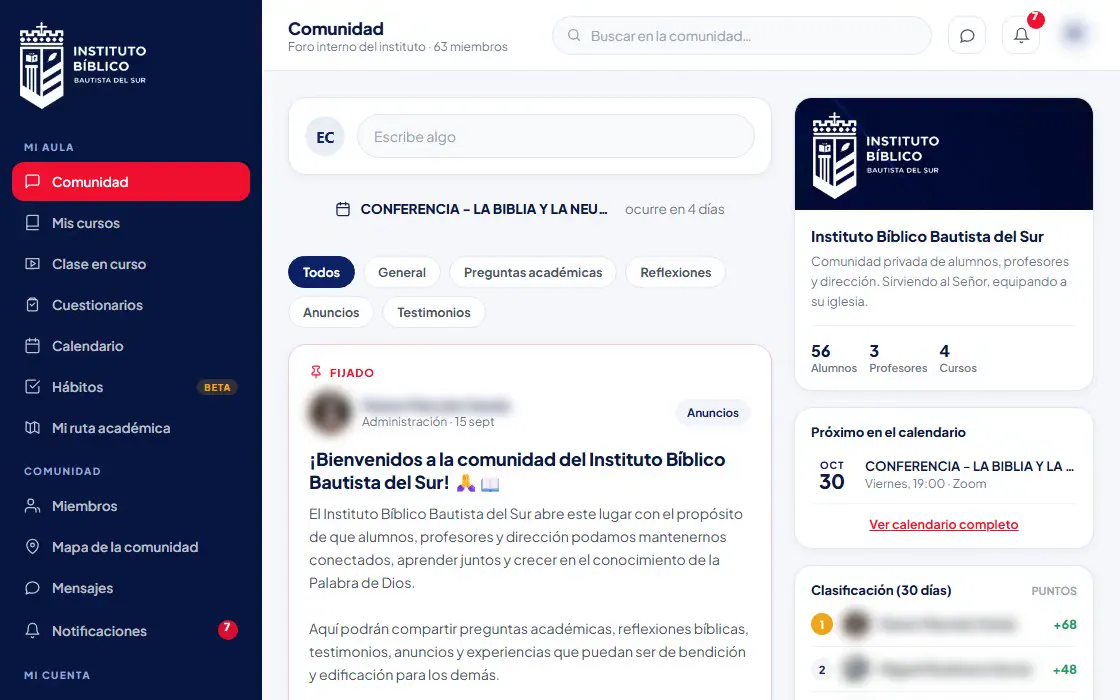 Education · PlatformInstituto Bíblico del SurA Bible institute with students in many cities: online admissions, role-based campus, fees and library.Read the case study →
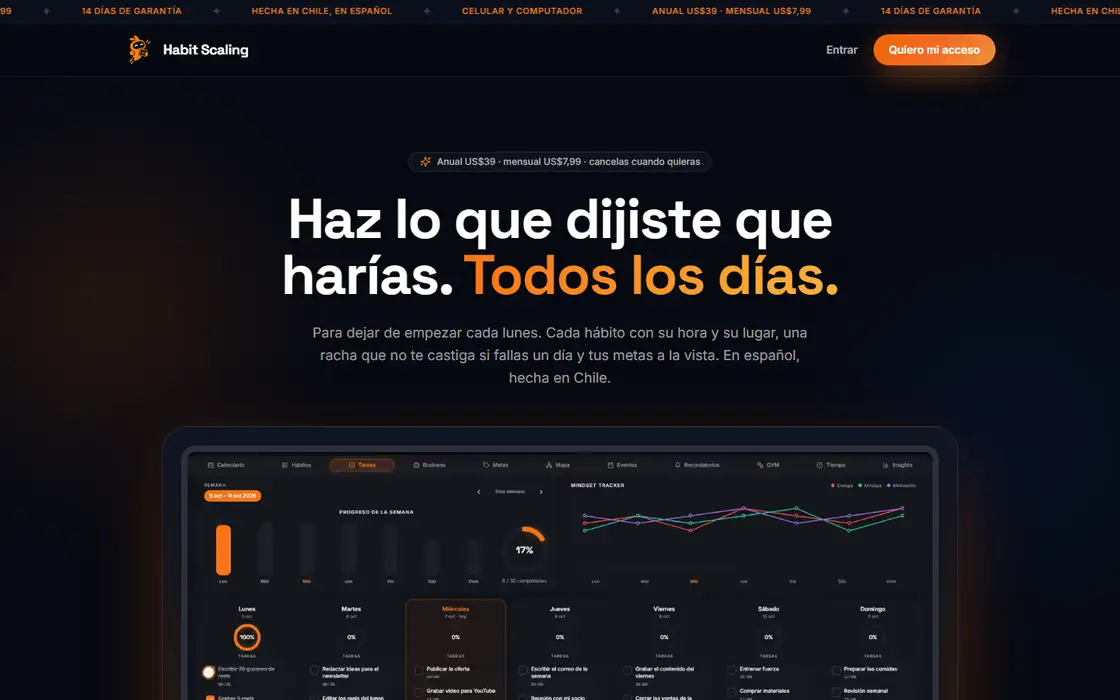 Own app · SubscriptionHabit ScalingMy own productivity app: designed, built and sold as a USD subscription.Read the case study →
 Events · RegistrationSUMMER INK 2027 · EvengyTattoo expo: artists, shops and food trucks register and pay online, no phone calls needed.Read the case study →
FAQ
Frequently asked questions
Does a web app work on phones?
Yes. It opens in the phone's browser and adapts to the screen. If it's also a PWA, users can add it to their home screen and open it full-screen, like an app.
Can a PWA send push notifications on iPhone?
Yes. Since iOS and iPadOS 16.4, web apps added to the Home Screen can receive push notifications, according to WebKit's official announcement. The user has to install it first and allow notifications.
Can I turn my web app into a native app later?
Yes, and it's a common path: validate with the web version, then build native apps that reuse the same backend, database and business logic if the numbers justify it.
Do I pay Apple a commission if customers pay on my website?
No. If customers pay on your own site through your processor, such as Stripe, you only pay that processor's fees. Apple's and Google's commissions apply to digital purchases made inside an app distributed through their stores.
How long does a web app take to build?
At Sistema 24, six to ten weeks for most platforms, with a prototype in 72 hours and working modules from the first few weeks.
Sources
- Apple Developer: What's included in the Apple Developer Program ($99/year)
- Apple Developer: App Store Small Business Program
- Apple Developer: Schedule 2 (App Store commissions), v126
- Apple: App Review Guidelines (3.1.3(e) and 4.2)
- Google Play Console Help: Service fees
- Google Play Console Help: Developer account registration ($25)
- MDN: Making PWAs installable
- WebKit: Web Push for Web Apps on iOS and iPadOS
Keep reading
Let's talk.
Free 30-minute assessment. I'll tell you honestly whether I can help, what it costs and how long it takes.